okasyon.app
Tap the shutter while the photos load
Made for weddings
Every guest's photos. One place. No app.
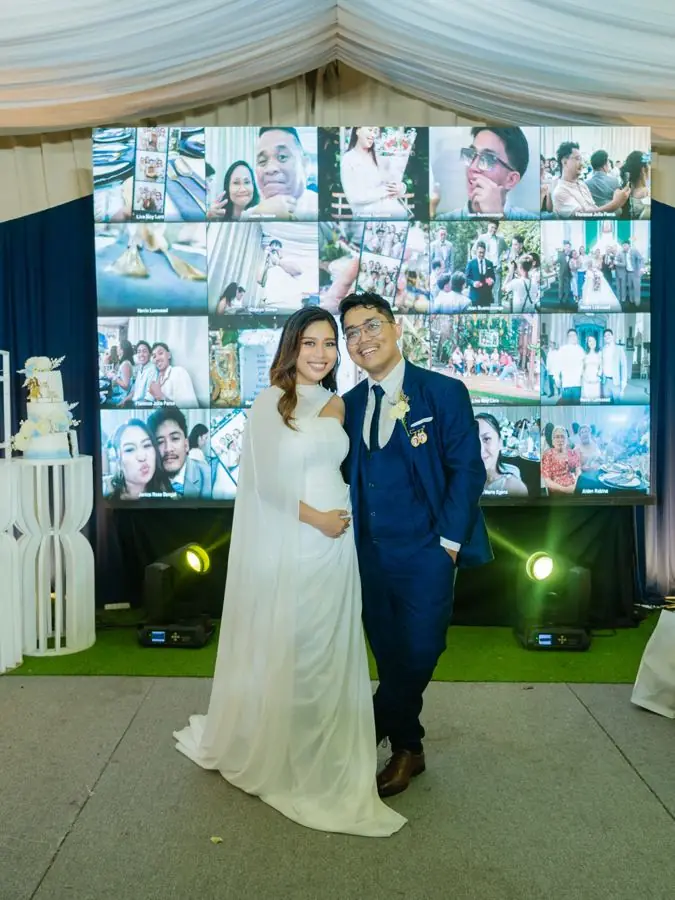
Guests scan a QR code, type their name and start shooting. Every photo lands in your gallery the moment it's taken, and on the big screen too.
Save up to 42% per guest on bigger events. No hourly rate, no subscription.
SEE PRICES TAP ME
Try it
Tap the shutter.
Your shot flies onto the venue screen, just like a guest's would. Or pick one of your own photos. It stays on your device.
INCLUDED IN EVERY PLAN
No LED wall? You still get every guest's photos.
Most events skip the big screen, and that's fine. Every guest's phone becomes a camera for you, and all their shots land in one gallery you can download.
Try it: tap a name
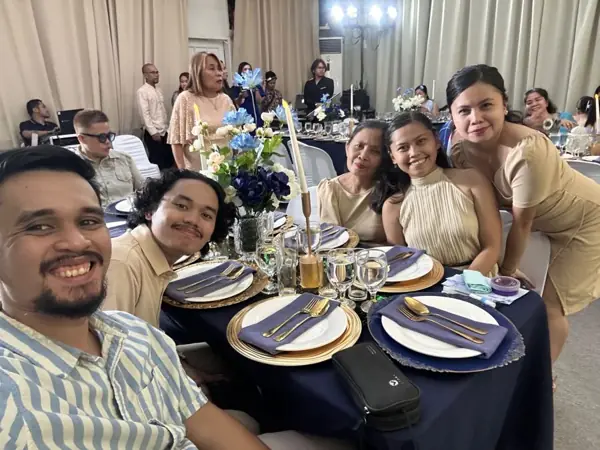
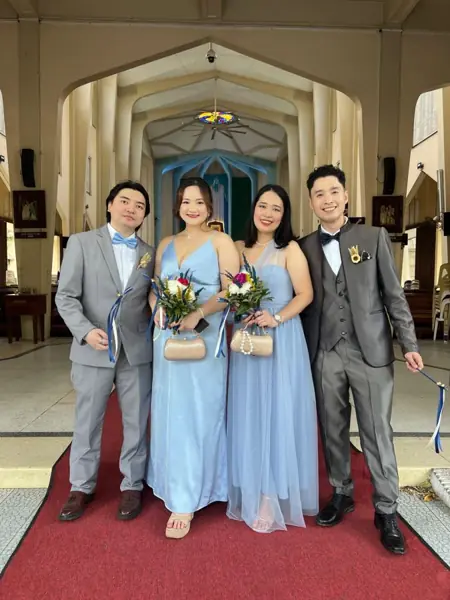
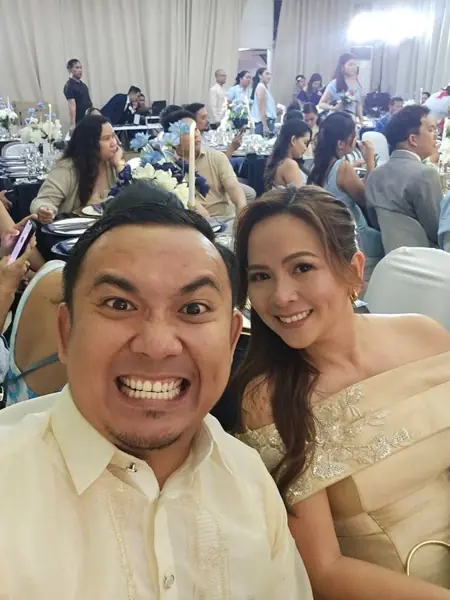
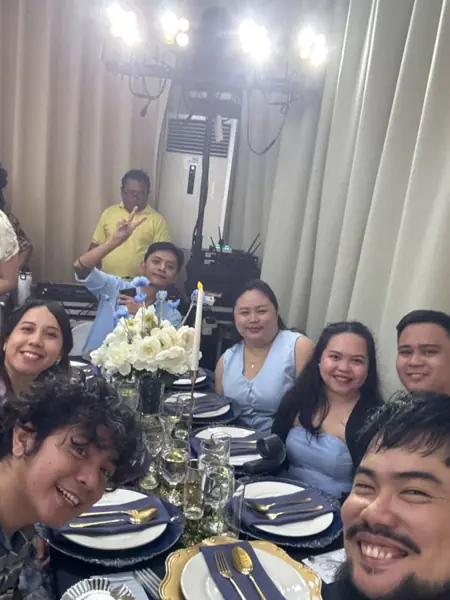


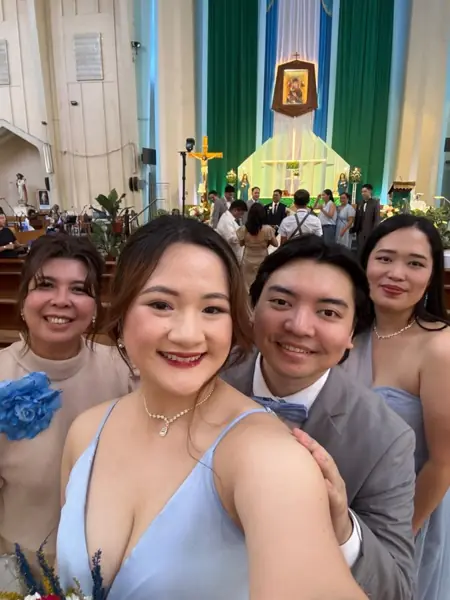
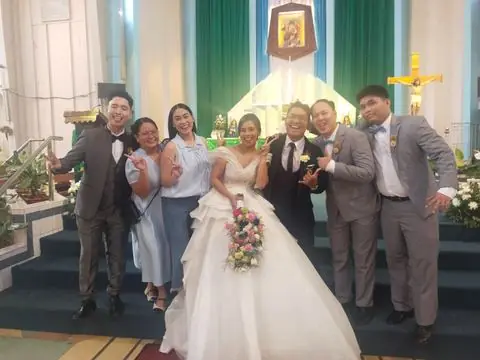
Okasyon Mo photos.zipDemo: this is what's inside
- Shots your photographer missed. Dozens of guests shooting at once means candid photos from every table.
- Sorted by guest. See who took what, and remove the blurry ones before you download.
- One zip, a folder per guest. Download everything in one go, or just one guest's photos.
- Ready to post. Photos are kept at up to 2048 pixels, sharp enough for Facebook and Instagram.
- The LED wall is an add-on. Every plan includes the gallery, from ₱1,500.
Run the big screen from your phone
No laptop, no tech crew. Open the remote on any phone, tap a scene, and the venue screen changes in about a second. Try it on the phone below.
- One tap per scene. Big buttons, plain names. Nothing to learn.
- Hand it to your emcee. Any phone works. No app to install.
- Locked with a PIN. Only your team can change the screen.
TRY ME! TAP A SCENE
On the screen now: Collage
Add-ons
1 · Guests voteEach tap adds a vote, like guests voting from their phones.
2 · The big revealWhen you're ready, tap the real answer to show it on the screen.
3 · Prize, if you want oneDraw a random winner from the guests who guessed right.
1 · Guests shootEvery photo a guest takes counts, and the top 5 changes live. In this demo, tap to pretend a guest just took one.
2 · Lock in the top 5When the party winds down, lock the board. Nobody new can get in.
3 · Crown the winnerTap a finalist on the screen to crown them. Most photos or loudest cheer, your call.
No app
Nothing to install
It runs in the phone's browser. Guests scan, type their name and shoot. Works on iPhone and Android.
Offline
Weak signal is fine
Photos wait on the phone and upload once the signal is back.
Gallery
All yours after
See every photo by guest, remove the ones you don't want and download the lot as one zip.
Big screen
Live on the big screen
New photos jump the queue, so guests see their shot within seconds.
QR cards
Open or private
Let guests sign in by name, or hand each one a personal QR card. Or both.
Private
Private by default
Guests only see their own shots. The full gallery is yours, and search engines never list it.
Extras for the program
Add-ons for the big moments. Ask us to switch them on for your event.

Extra
Well wishes wall
Guests send wishes from their phones. They float up on the big screen during the speeches.

Extra
Gender reveal
Guests vote boy or girl on their phones and watch the tally on the big screen. Then you reveal the answer, with a raffle for the right guessers.

Extra
Photographer of the night
Your five busiest guest photographers go up on the big screen. Everyone cheers, and you crown the winner.
What will it cost?
Pick your guest count and pay once by GCash. Every plan includes the guest camera, the shared gallery and the full zip download. Add-ons are optional.
How many guests?
Add-ons optional
How it works
- Request an account. We approve it, usually the same day.
- Create your event. Pick the size, pay by GCash and upload the receipt.
- Put out the QR. Print the cards or the table QR for the day.
- Guests shoot. Watch the gallery fill up, then download it all.
Questions
Do guests need to download an app?
No. They scan the QR code and the camera opens in their phone's browser.
What if the venue has bad signal?
Photos are saved on the guest's phone and upload by themselves when the signal comes back.
Can guests see each other's photos?
No. Each guest sees only their own. You see everything, and you choose what plays on the screen.
How long do I keep the gallery?
30 days, or a full year with the 1-year add-on. Download everything as a zip any time.
What if more guests come than I planned?
Upgrade from your event page and pay only the difference.
Your guests are already taking the photos.
Make sure you get them.
Get started